Explore Shortcuts, build Automations, and create a morning routine that feels as good as it tastes.
The latest update to the La Marzocco App brings support for iOS Shortcuts, allowing Siri users to connect their espresso machine directly to Apple’s automation ecosystem. With voice control, customizable shortcuts, and automations, your coffee routine can now unfold effortlessly.
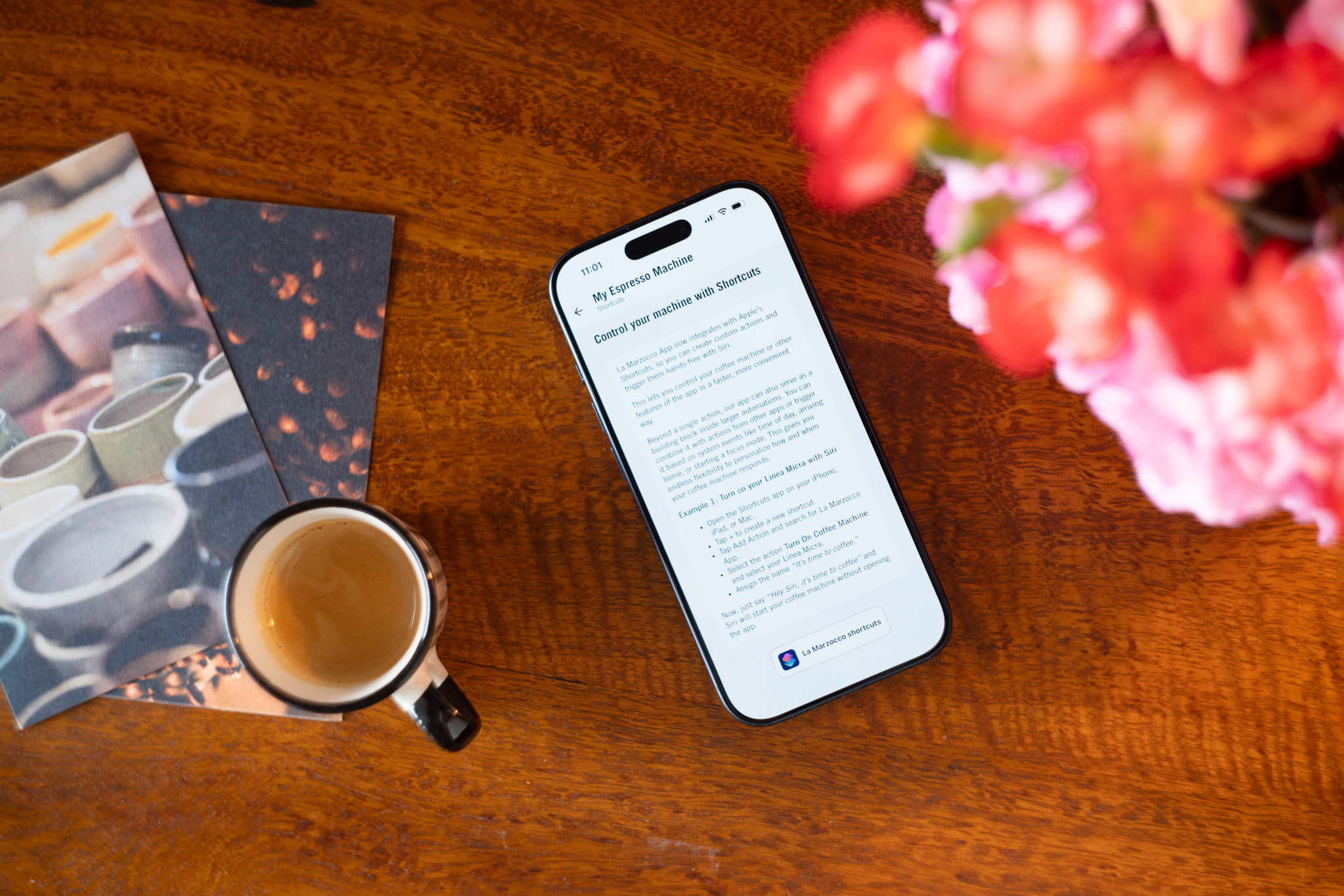
Using Siri, you can control key functions of a connected La Marzocco Home espresso machines with simple voice commands. Available actions include checking machine status, turning the machine or steam boiler on or off, and integrating these controls into your daily flow. All supported shortcuts are automatically created for paired machines and can be found in the app under your machine’s settings by tapping Shortcuts tips.
Shortcuts are designed to be personal. In the Apple Shortcuts app, you can rename commands to match the language you naturally use so instead of remembering a specific phrase, you can simply say, “Hey Siri, turn on my espresso machine.” Beyond single commands, Shortcuts allow you to build automations that combine your espresso machine with other actions, like adjusting lights, getting a weather report, or starting your day when your alarm is dismissed.
Siri Shortcuts are supported on all La Marzocco Home espresso machines with app connectivity, including Linea Mini, Linea Micra, and GS3, using the latest version of the iOS app. Making it easier for your espresso ritual to fit seamlessly into your day.